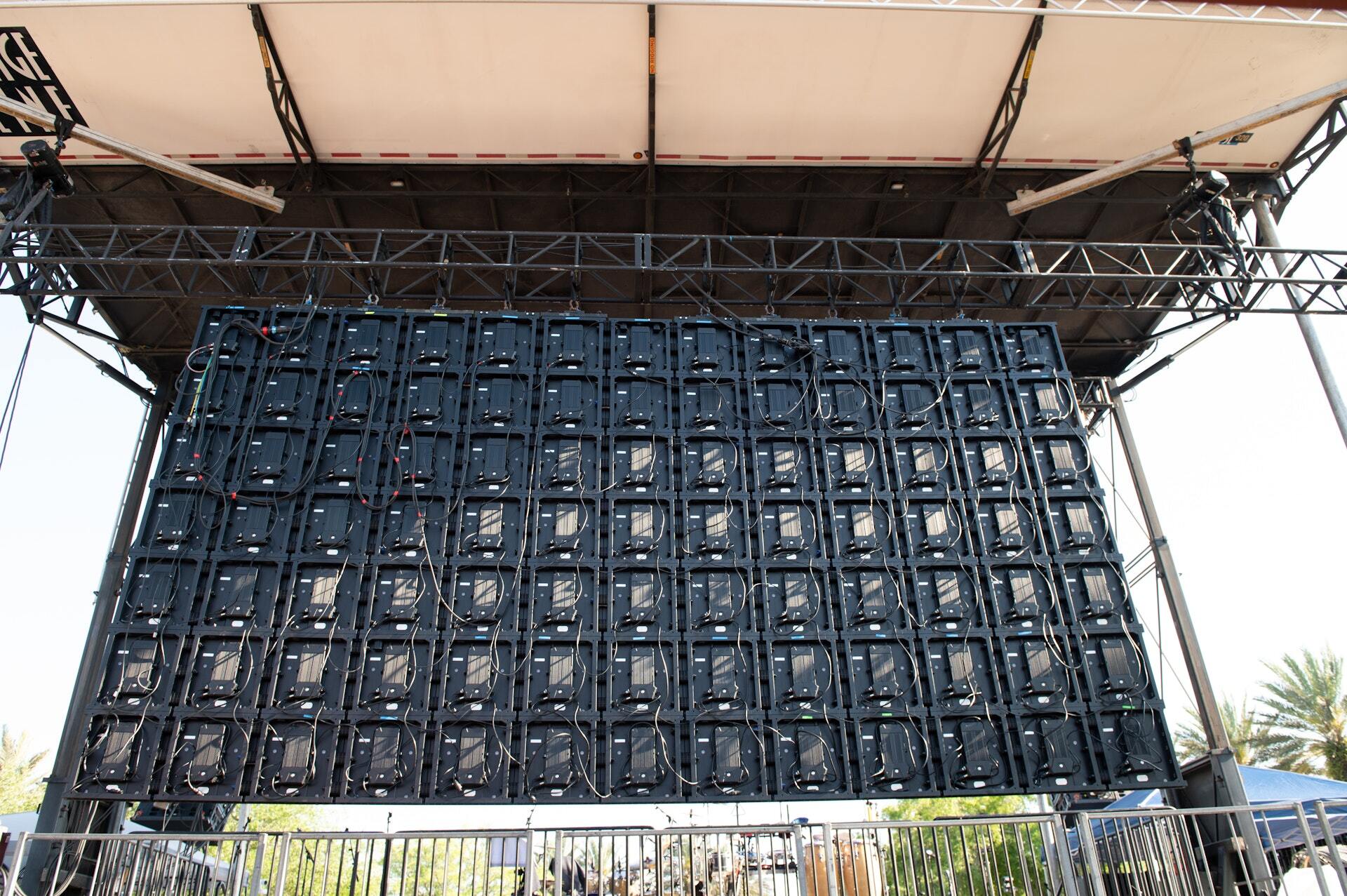
Live event video production is everything the camera and the screen do at a show: LED walls behind and beside the stage, IMAG that puts the speaker's face on those walls, and the stream or broadcast that carries the event past the room. Done right, the back row sees what the front row sees, and the audience at home sees a show built for them, not a wide shot of a stage.
Here's how the pieces work, how they fit the rest of the production, and what to settle before the first screen goes up.
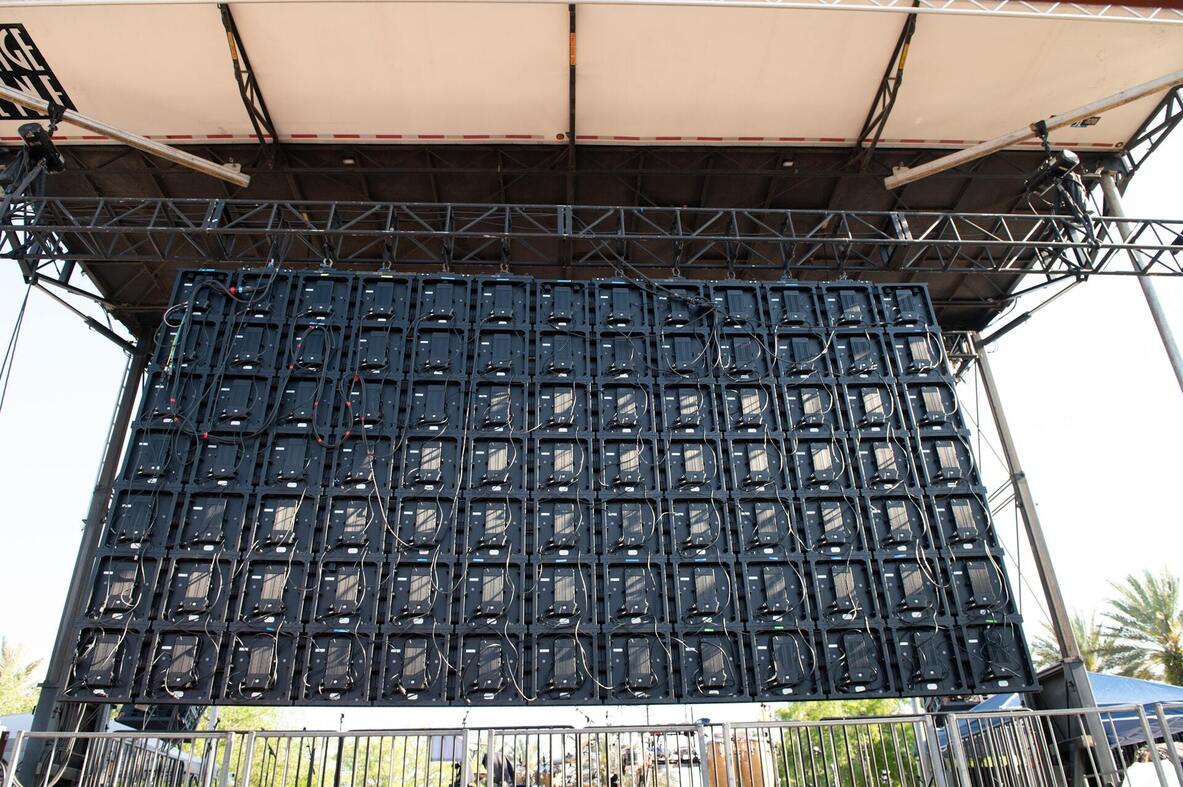
LED Walls: Size Comes From the Back Row
An LED wall is sized to the farthest seat, not to the stage. The bigger the room or the field, the bigger the wall, and the more it weighs, draws power, and catches wind. Pixel pitch, the distance between the lights on the panel, follows the viewing distance: tight pitch for a ballroom where people sit close, wider pitch for a field where nobody is within fifty feet.
Three things get decided with the wall, not after it:
- What holds it up. Ground-stacked on the deck, flown from a roof, or on its own structure. Each one changes the stage spec and the load path to the ground.
- Where the power comes from. LED is one of the biggest draws on a show. It gets its own circuit plan.
- What plays on it. Graphics, playback, IMAG, sponsor loops, or all four. That decides the switching and the crew.
IMAG: The Speaker, Bigger
IMAG (image magnification) is a live camera feed of the person on stage, shown on the screens so a crowd of thousands can see a face, not a figure. It's the reason a keynote works in an arena and a speech works on the National Mall.
IMAG starts with camera positions, and camera positions start with the staging drawing. PM1 builds risers for the shot: the main camera bullnose, the cut riser shot, and a three-level riser system with built-in mult boxes that PM1 originated, so press and broadcast plug in where they stand. When the riser is drawn with the stage, the shot is clean from the first frame.
Streaming and Broadcast: A Second Audience
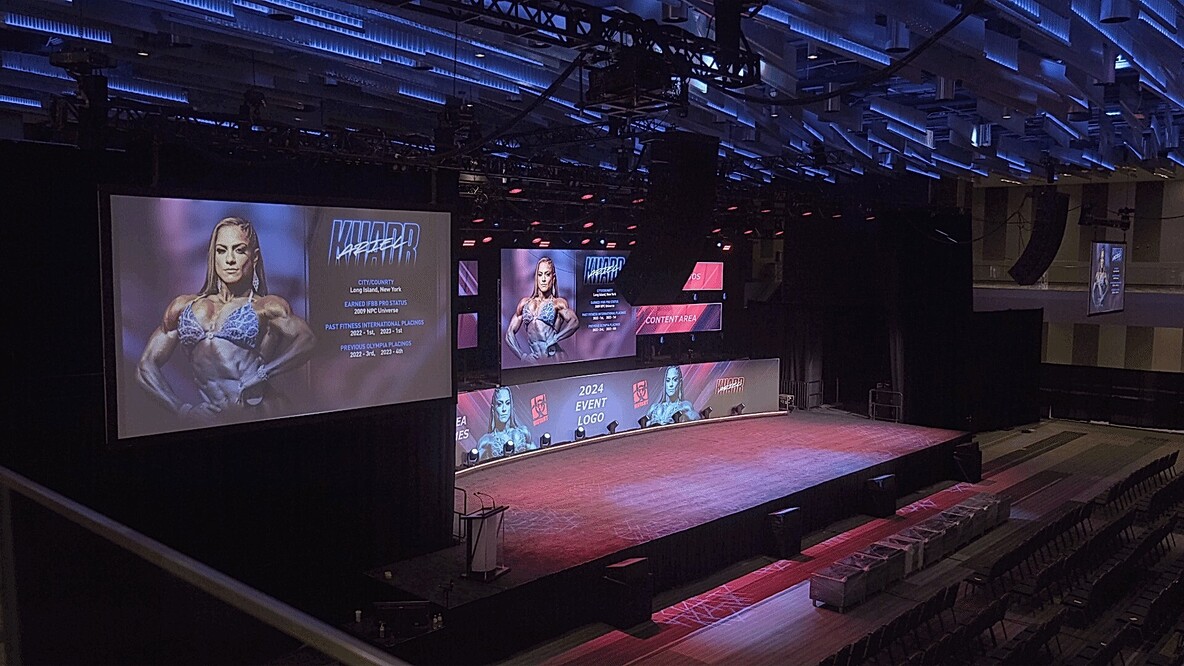
When an event is streamed or broadcast, the feed often reaches more people than the room. That audience can't see anything the camera doesn't, so the production has to be built for the lens as much as for the seats.
- Lighting gets balanced for the camera, including the crowd when the shot turns around, and adjusted as daylight fades on an outdoor show.
- Audio for the feed is mixed separately from the room, because what sounds right in a stadium sounds wrong on a laptop.
- The set and screens are drawn to fill the frame, so the backdrop reads on a phone, not just from the floor.
- The signal path out of the venue gets a backup, because a dropped stream is a dropped show.
How Video Fits the Production Plan
Video touches every other department, which is why it can't be bolted on at load-in. The wall needs structure and power. The cameras need risers and sightlines. Lighting has to work for the lens. Audio has to feed the stream. Comms has to reach the camera operators and the director.
That's the job of the production manager: one plan and one show file that every department works from, so the video team isn't discovering on show day that the roof can't carry the wall or the riser blocks the shot.

On Real Shows
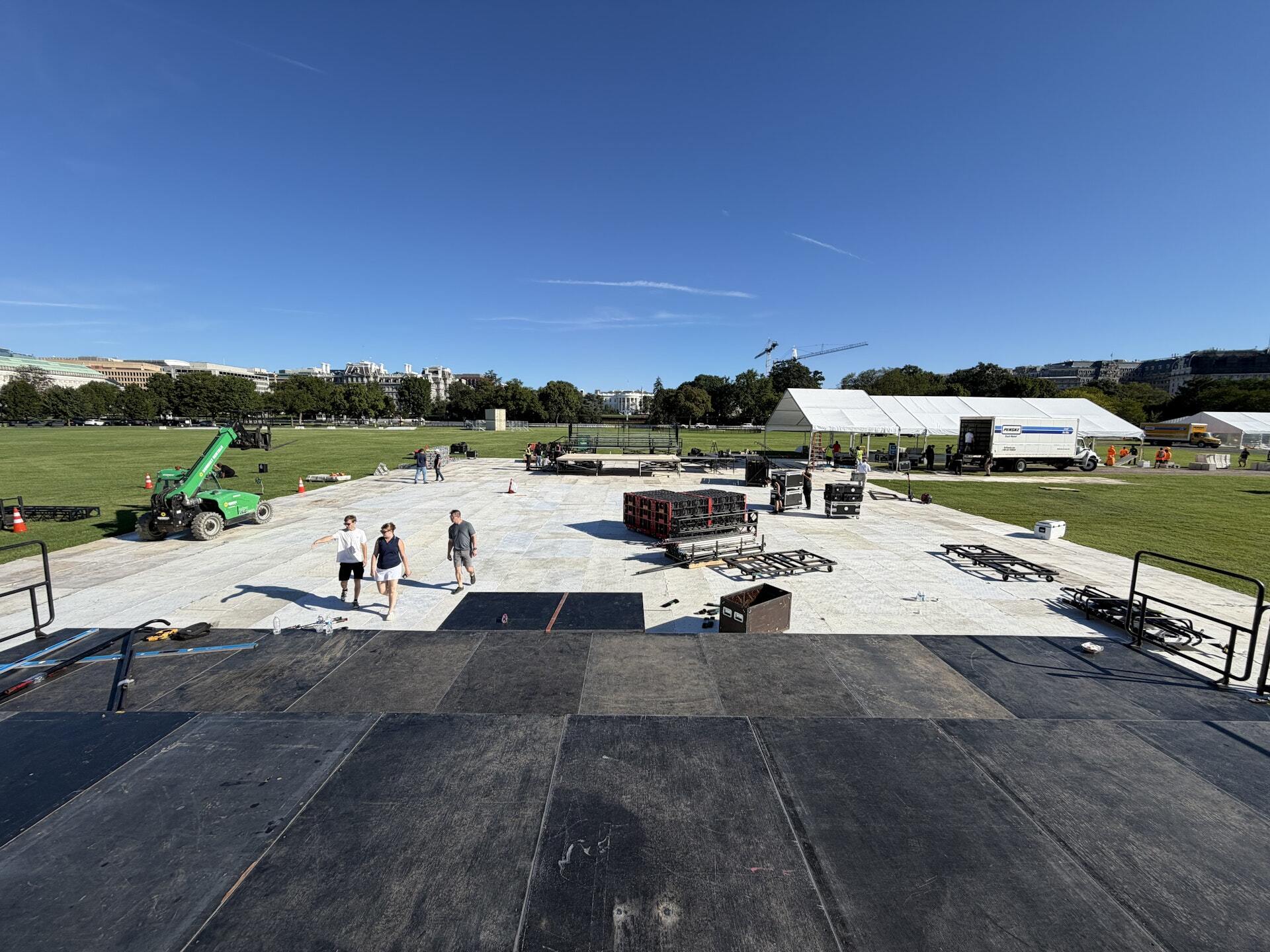
At Unite for Veterans on the National Mall, PM1 built the mobile stage, audio, lighting, two LED screens, and the press risers, then ran and struck the show inside the 72-hour window the National Park Service allows. The screens carried the show to a crowd stretched toward the Capitol.
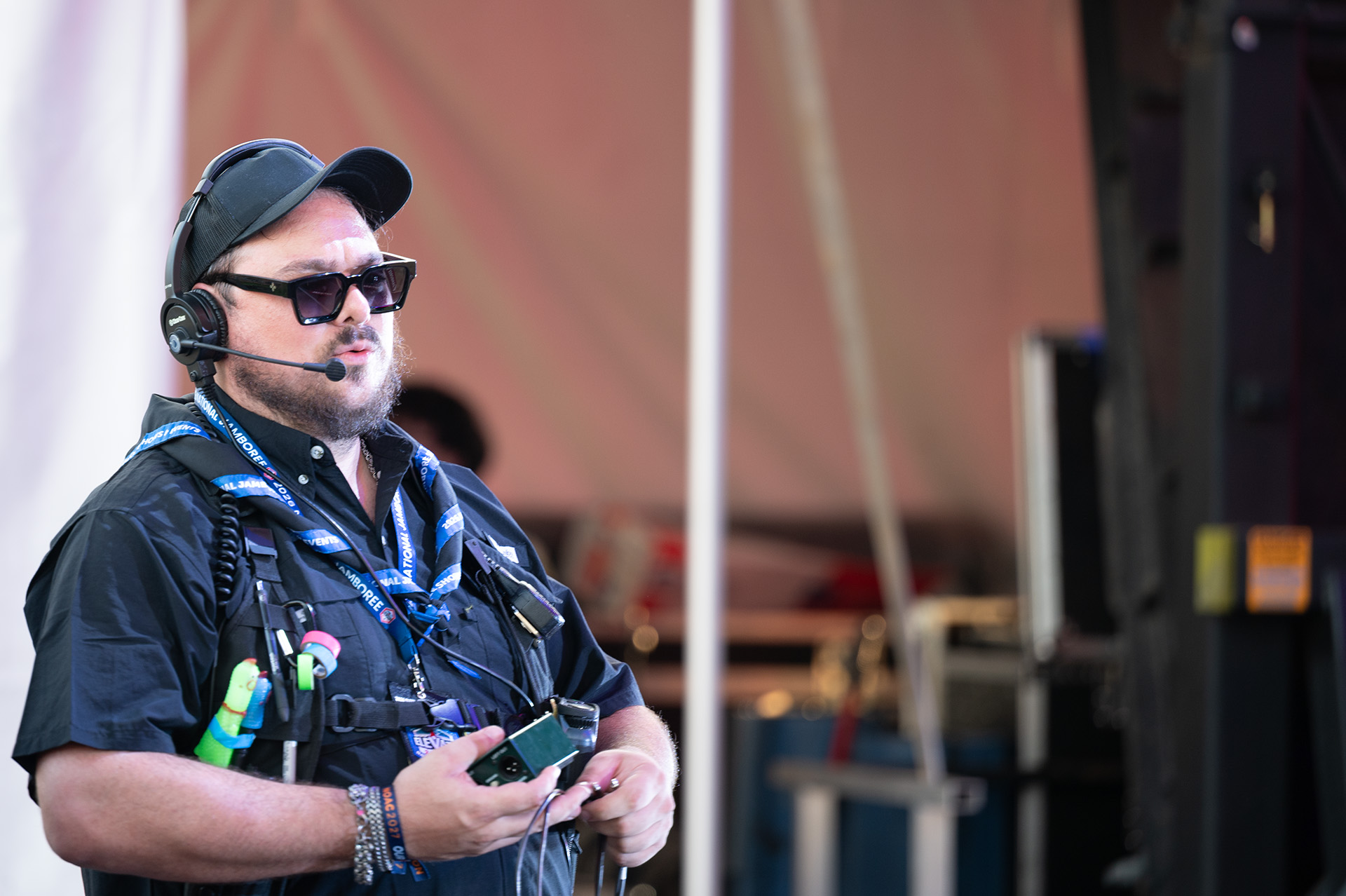
At the 2026 Scouting America National Jamboree, the main stage and its video screens carried musical productions, live entertainment, and speaker programs for 15,000 participants, many of them a long way from the deck.
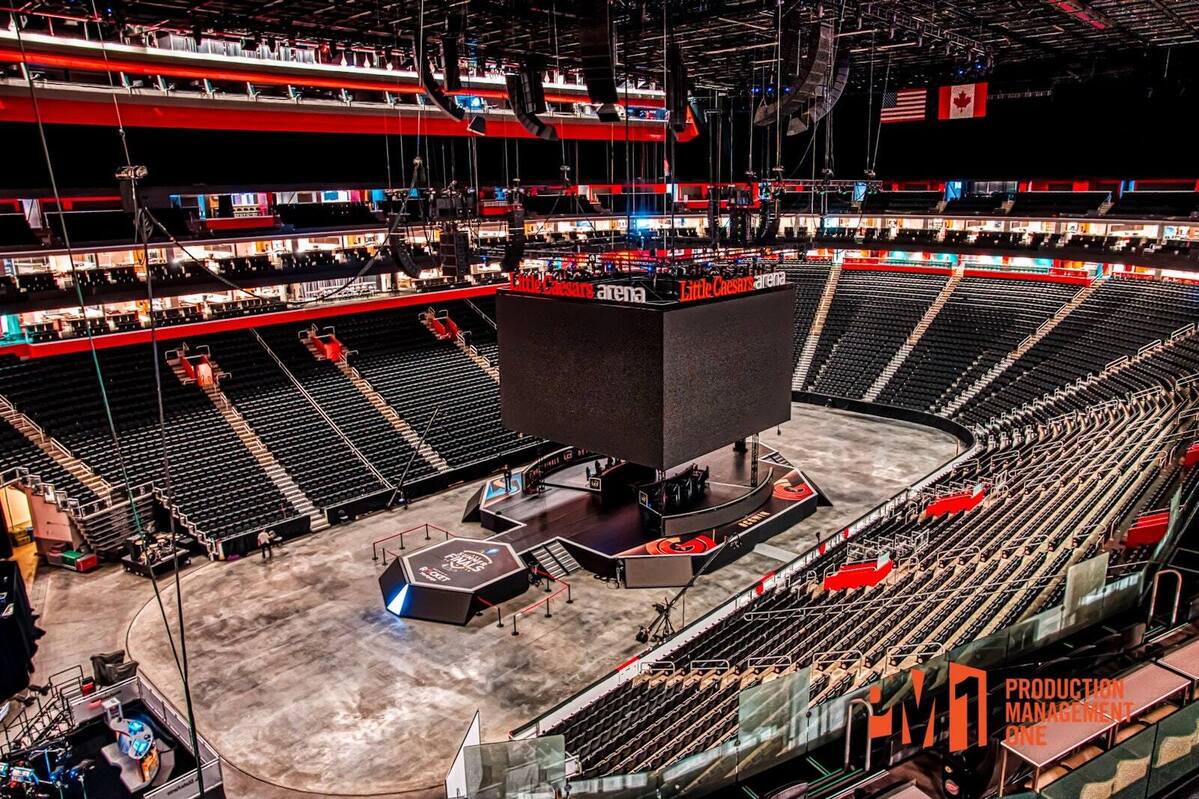
For Riot Games' LCS at Little Caesars Arena, PM1 built the hexagonal stage platform the players and casters worked from, a show produced first for the stream and second for the room.
Questions to Settle Before the Screens Go Up
- How far is the farthest viewer, and what does that mean for wall size and pitch?
- Is the wall ground-stacked, flown, or on its own structure, and is that on the staging drawing?
- Where are the cameras, and are their risers drawn with the stage?
- Is the event streamed or broadcast, and who owns the feed and the backup path?
- Who calls the cameras, and are they on the same comms as the stage manager?