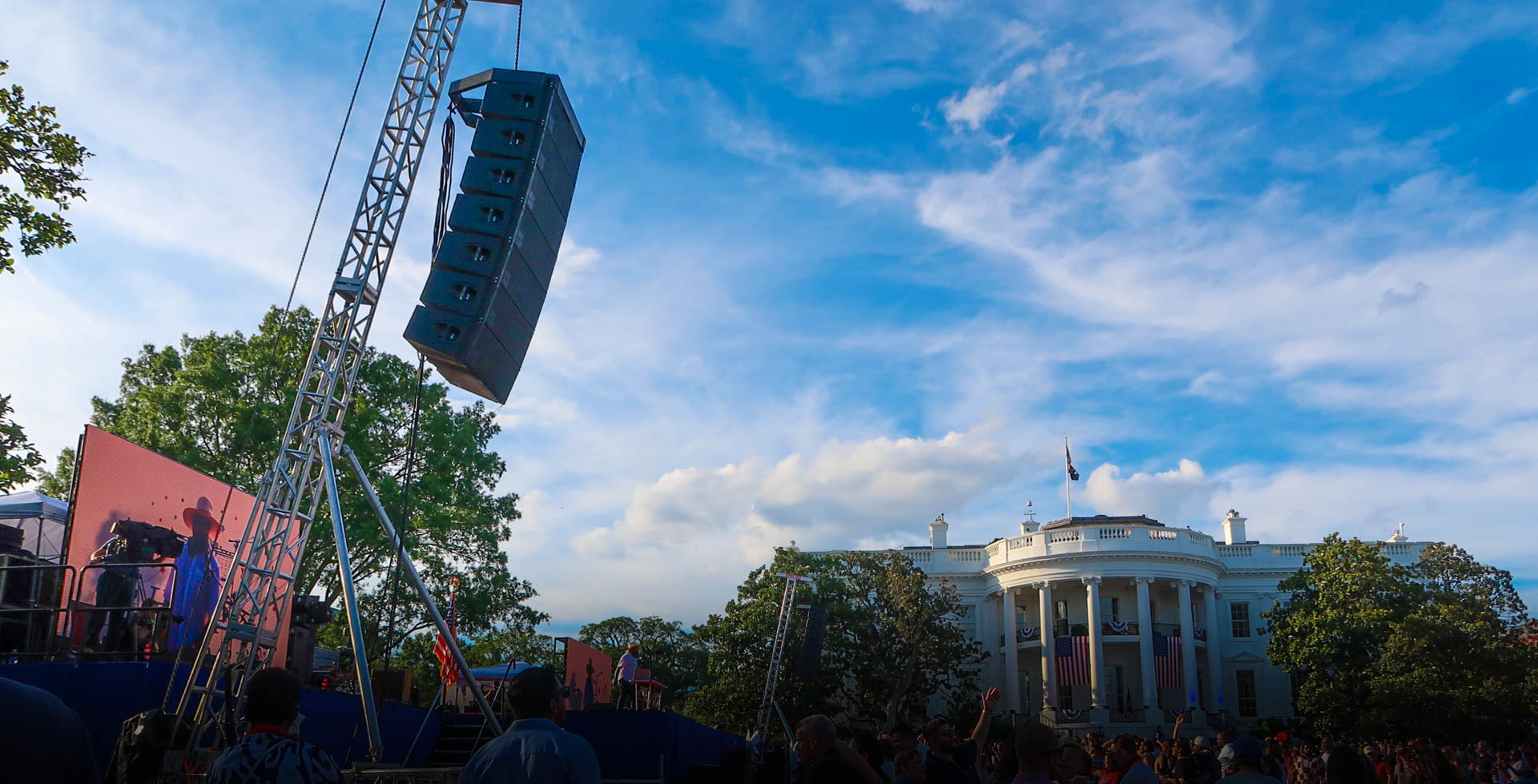
Live event technology is the set of systems that turn a stage into a show: audio so people hear it, lighting so they see it, video so the back row and the camera can follow it, power so all of it runs, and comms so the crew can call it. Each system can be bought separately. The show only works when they're planned as one.
Here's what each system does, what it needs from the site, and how they fit together.
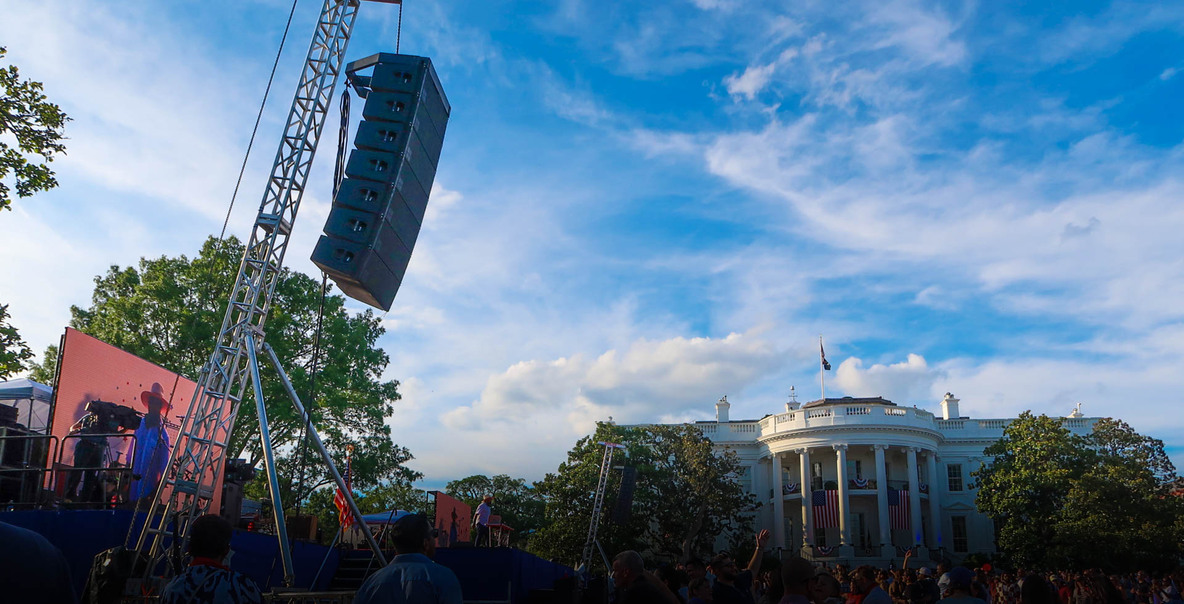
Audio: Coverage to the Last Seat
Event audio is the microphones, consoles, amplifiers, and speakers that carry the program to every listener. The goal is even coverage: the back row should hear the same words as the front row, at a level that doesn't punish the front row to reach the back.
- The PA is designed to the crowd's footprint. Large or outdoor crowds may need delay speakers partway back.
- Monitors let the people on stage hear themselves: wedges, side fills, or in-ear systems.
- Front of house is where the mix happens. It sits with a clean line to the stage, in the middle of the audience it's mixing for.
- Wireless needs frequency coordination, especially in cities and at events with press and broadcast on site.
Lighting: For the Room and the Lens
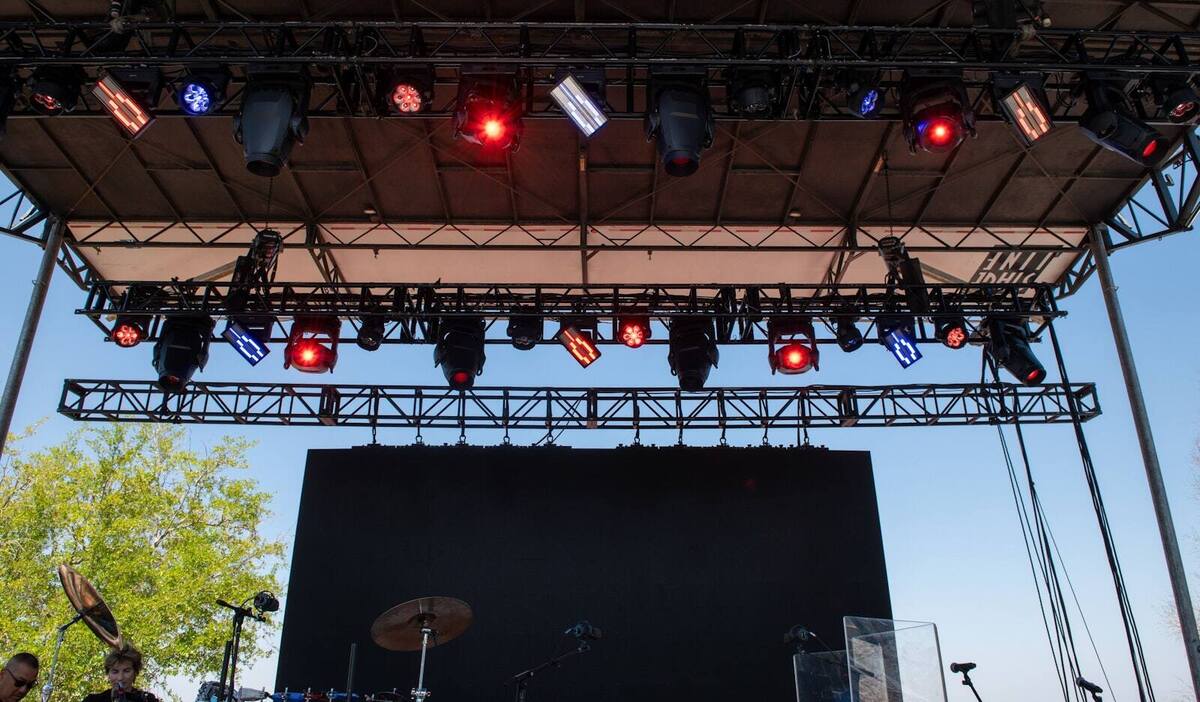
Event lighting does two jobs: it lets the audience see the people on stage, and it sets the look of the show. When there's a camera, it has a third job: light faces and the crowd so the feed looks right.
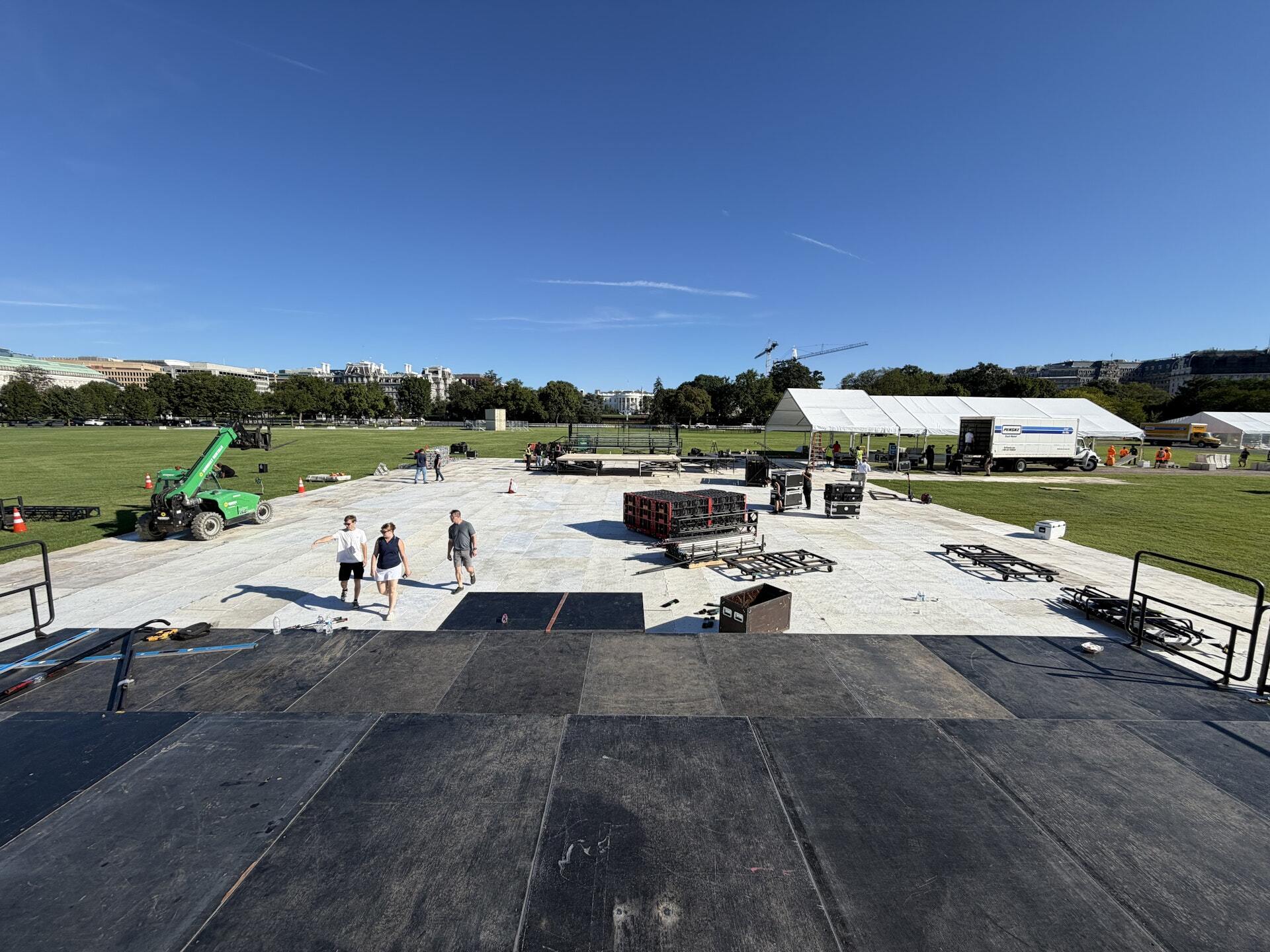
Lighting needs somewhere to hang (a roof, truss, or towers), power, a control position, and time to focus after the stage is built. Outdoor shows change as the sun goes down, so the plan covers daylight, dusk, and dark.
Video: Screens, IMAG, and the Feed
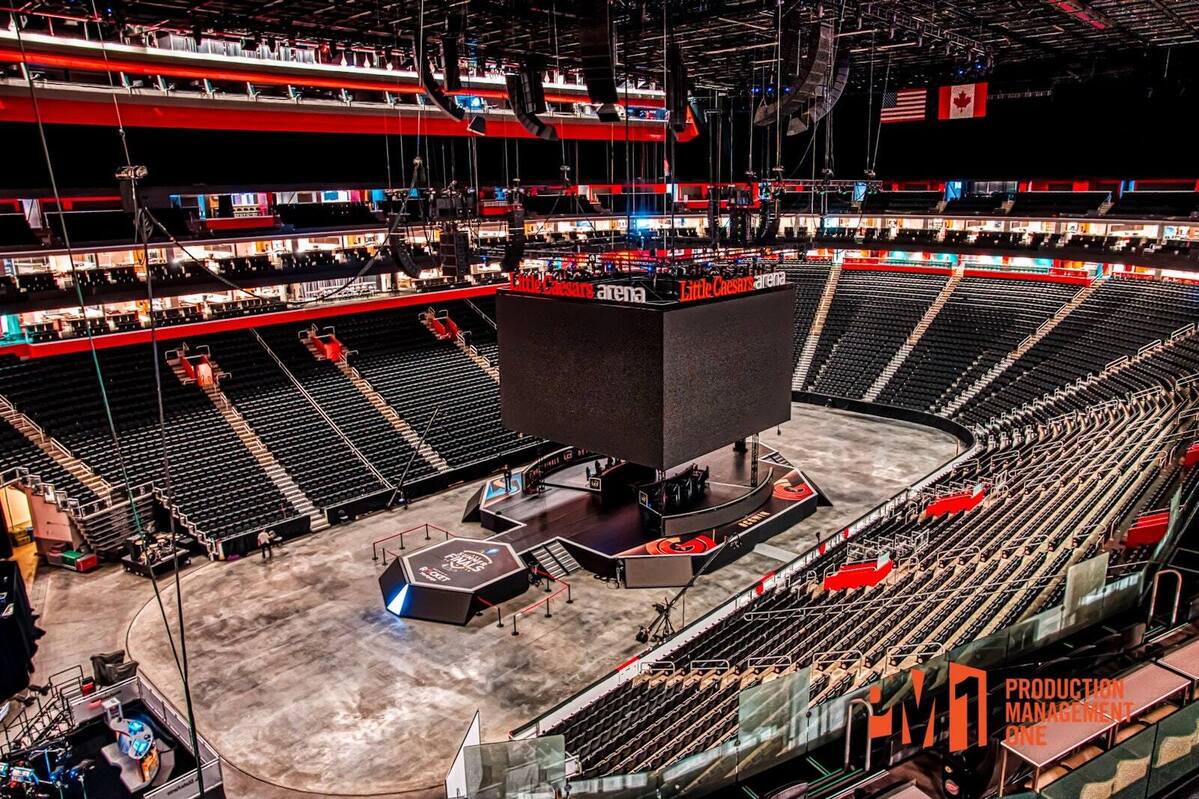
Event video covers LED walls, projection, IMAG (a live camera feed of the speaker on the screens), playback, and any stream or broadcast. It's the system that touches the most others: it needs structure and power for the walls, risers for the cameras, lighting that works for the lens, and audio that feeds the stream. We cover it in depth in our guide to live event video production.
Power: The System Everything Else Runs On
Power is the least visible system and the one with the least room for error. Every other department adds up to a load: LED walls, amplifiers, lighting, video switching, catering, and the trailers backstage. That load decides whether the venue's service is enough or the show needs generators.
- Distribution runs from the source to each department, sized to its draw.
- Clean power for audio and video, kept apart from motors and heaters that cause hum and glitches.
- A second source on standby for the systems the show can't lose: the main mix, the show call, and the primary screens.
- Cable paths drawn with the site plan, protected where people walk and kept out of egress routes.
Comms: One Voice Calls the Show
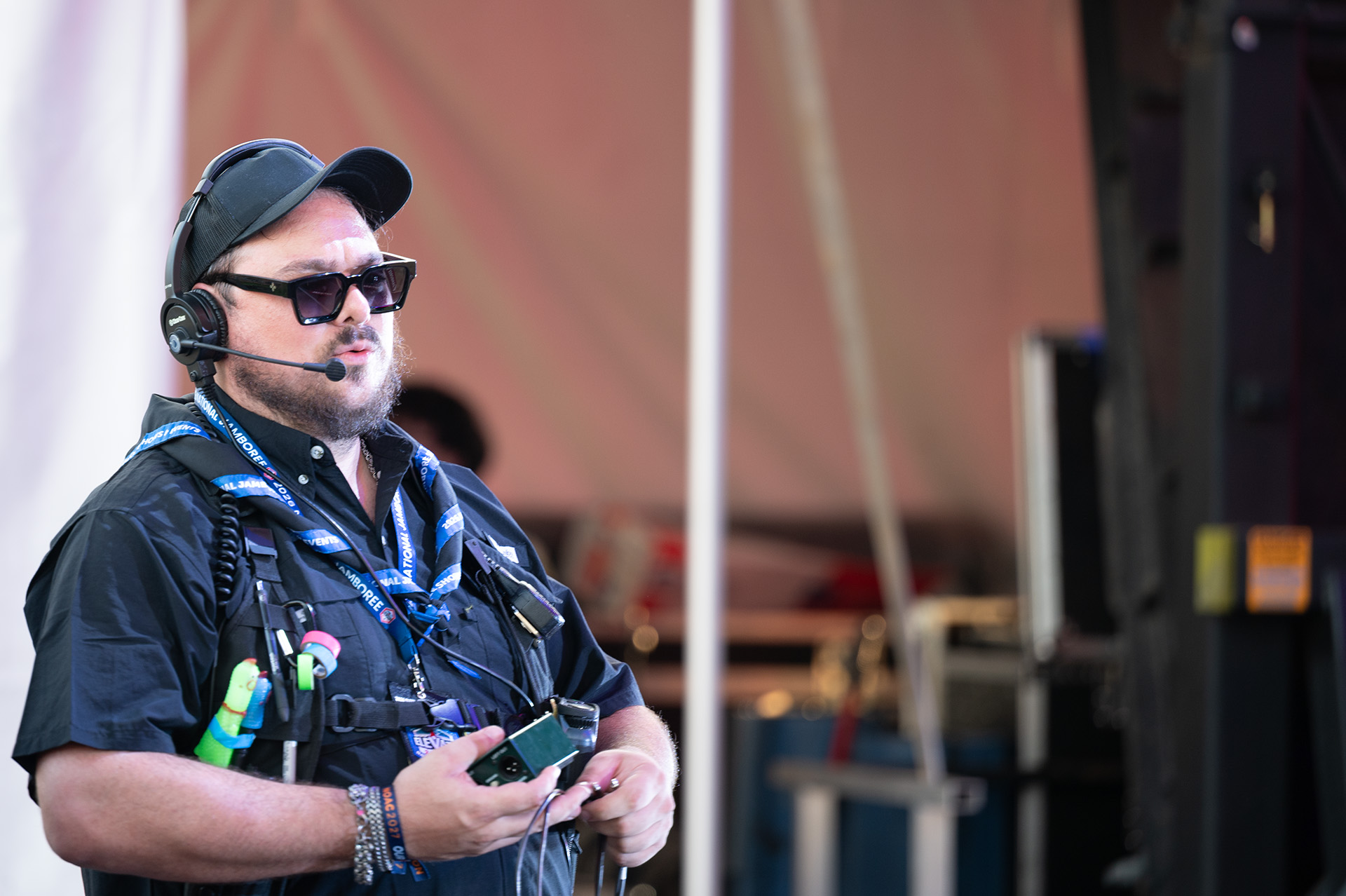
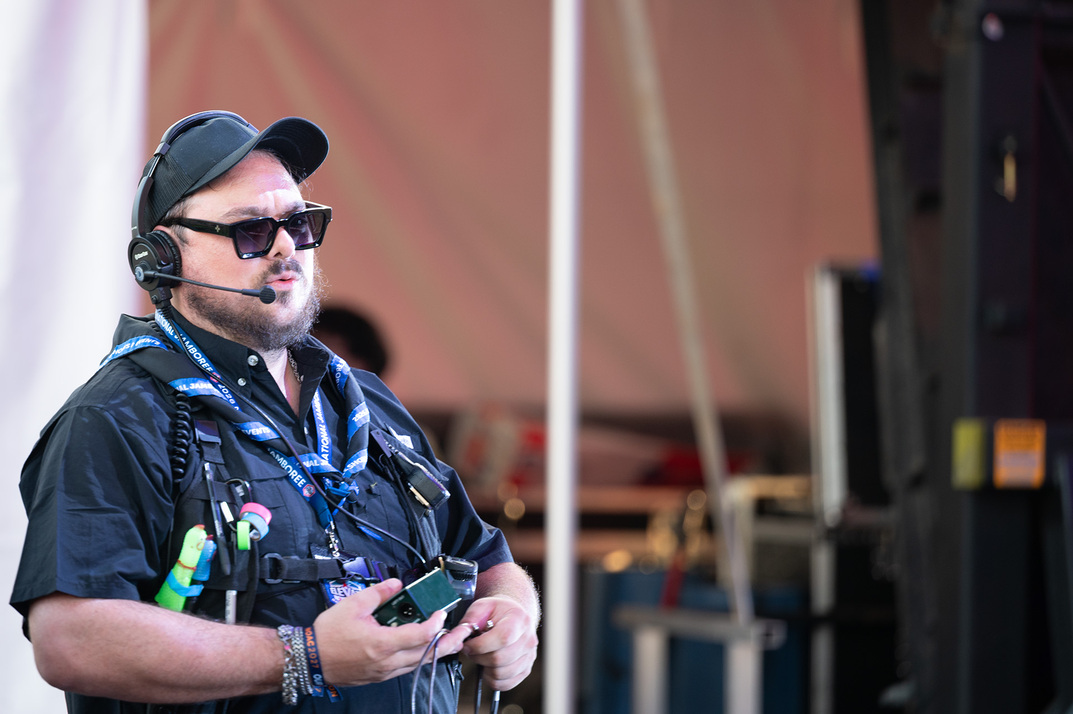
Comms is the headset system the crew uses to run the event: the stage manager, the audio and lighting operators, video, camera operators, the backstage team, and the client's producer. On a well-run show, one person calls the cues and everyone else hears them at the same moment.
Comms gets planned like any other system: who needs to talk to whom, on which channel, and what happens if a wireless pack fails. A show with great gear and bad comms looks like a show with bad gear.
How the Systems Fit Together
Each system makes demands on the others. The LED wall needs a roof or structure that can carry it, and power that can feed it. The camera riser has to see past the speaker stacks. Front of house needs a cable path to the stage that doesn't cross the egress route. Lighting has to work for the lens and not blind the camera.
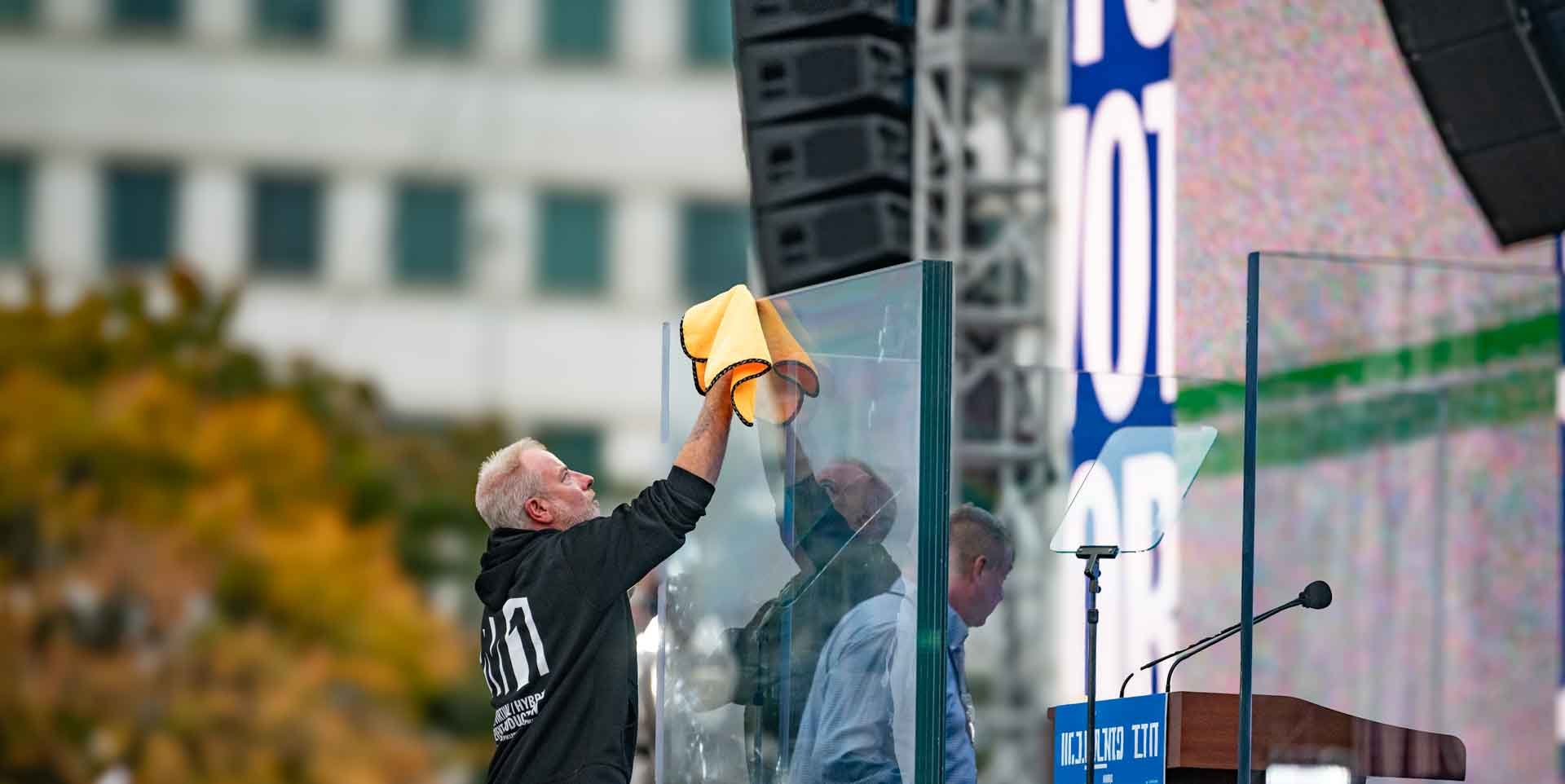
That's why PM1 runs every department from one show file: one drawing, one timeline, one run of show, and one call. The production manager holds the whole physical plan, so conflicts get solved on paper in the advance, not on site at load-in.
On a Real Show: The National Jamboree
At the 2026 Scouting America National Jamboree, PM1 handled executive production. One infrastructure build carried musical productions, live entertainment, and speaker programs for 15,000 participants. Audio, lighting, video, power, and comms all ran from the same plan, so the site could change programs without changing the system.